Fall 2025 Calendar Update
The Calendar has been updated with several new features focused on simplifying assignment management and giving users more visibility and control over their events, tasks, and timeslots. This guide walks through all new functionality included in this release.
Quick Links:
- Editing Calendar Task Assignments
- New Filtering Options
- Timeslot Assignments
- Additional Updates
- Summary
Editing Calendar Task Assignments
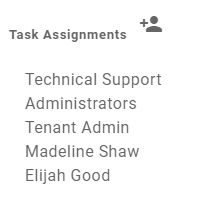
Edit Task Assignments Directly from the Calendar & Calendar Event Map
With this update, users can now also edit the task assignments for the task that is tied to the event—right from the calendar view.
This removes the need to navigate into the workflow builder or task page when a quick assignment adjustment is needed.
Note: Editing task assignments only appears when the event was created from a task that is directly tied to it.
Multi-Select Event Assignment Editing
When multiple event markers are selected on the event calendar map with the select data tool, users will now see a Manage Assignments menu. This tool allows you to:
-
Add, remove, or replace assignments across several events at once
-
Choose whether you want to apply the change to:
-
Only the event assignments, or
-
Both event and task assignments
-
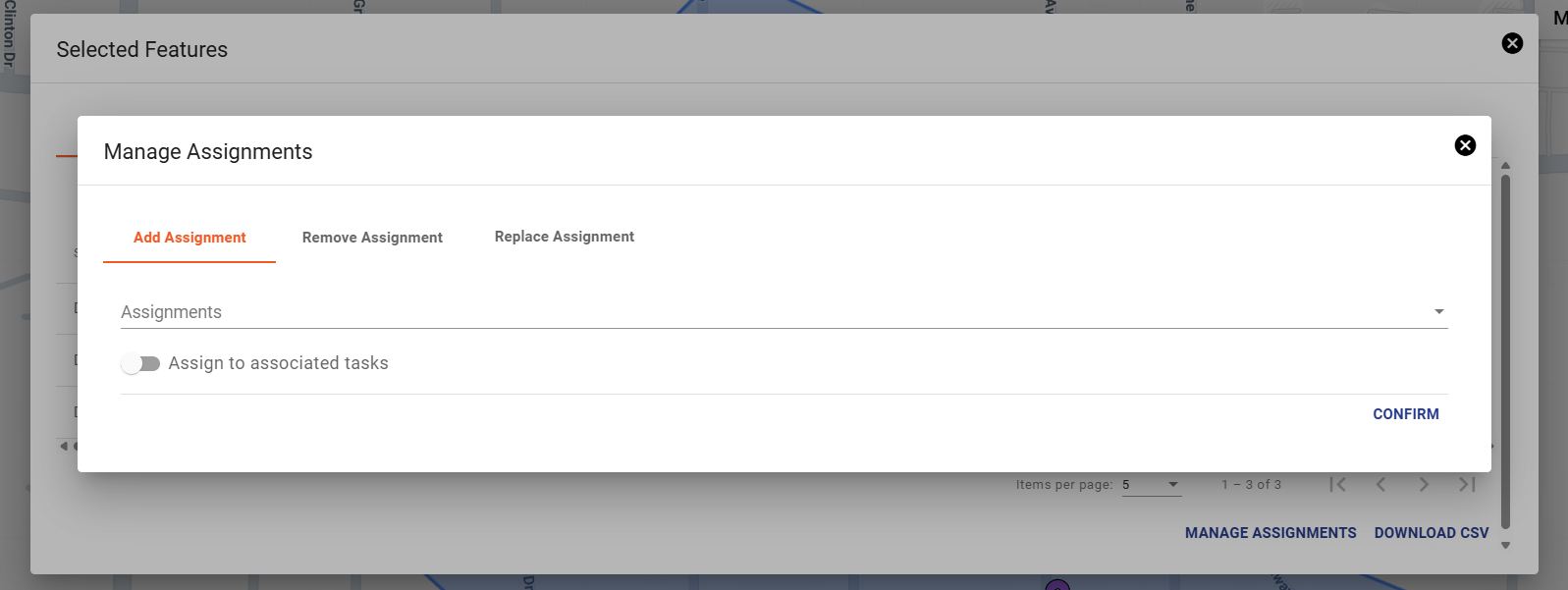
Note: Updating task assignments only is not supported through this method.
When removing task assignments, the system will always leave at least one assignment to ensure tasks are never left unassigned.
New Filtering Options
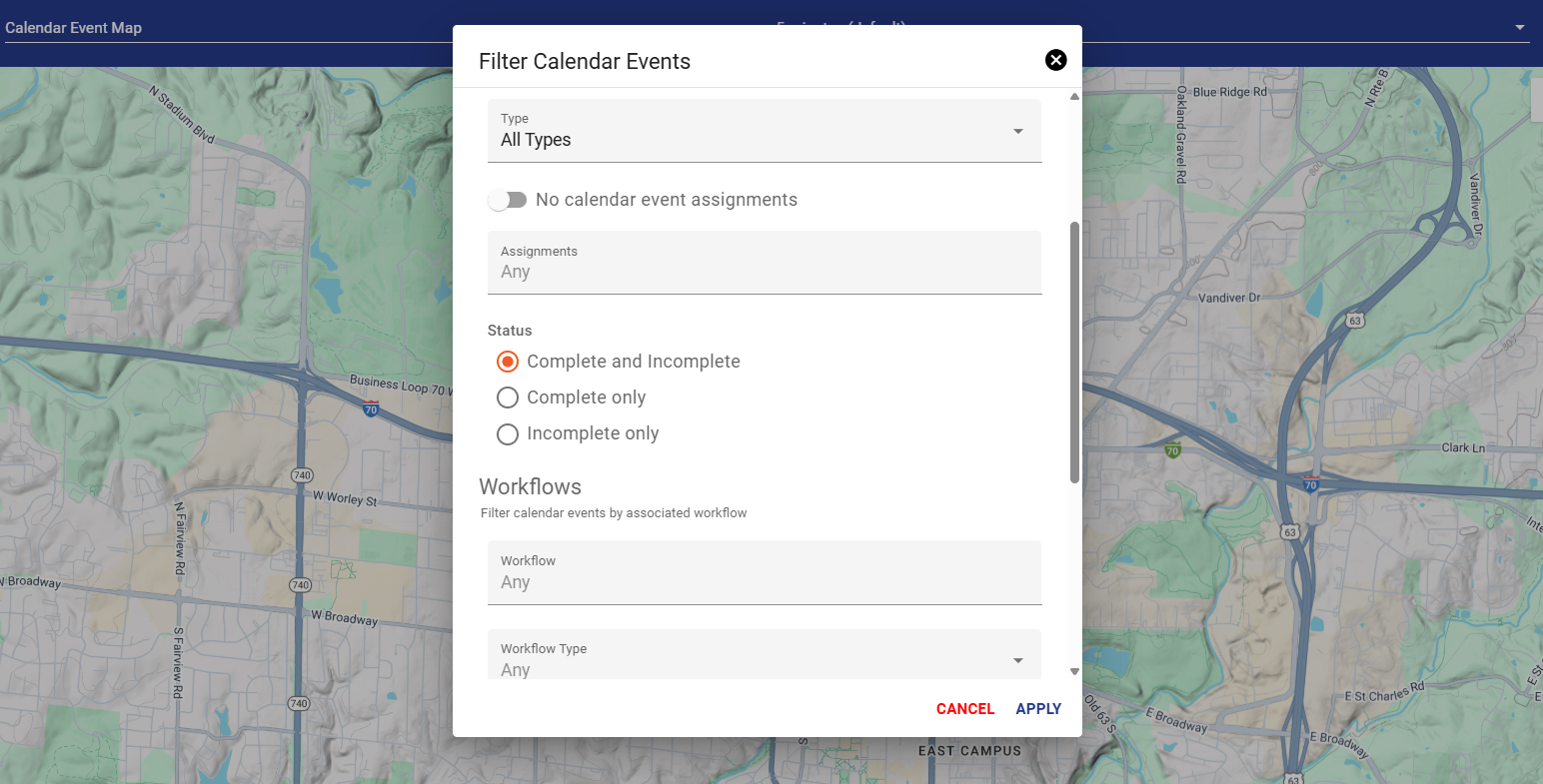
Two new filter options help users locate the exact events they need:
-
Groups & Contractor Groups can now be used as calendar filters.
-
A new filter for “No Assignments” allows users to quickly find events that have no calendar event assignments.
Timeslot Assignments
Timeslots Now Includes Assignments
When a timeslot is copied, its assignments are copied as well, making it faster to duplicate standard work blocks.
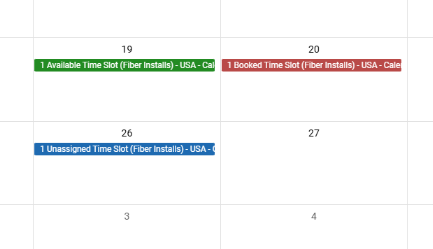
New Timeslot Coloring & Behavior
-
Blue = Unassigned Time Slots
These reflect timeslots that do not contain any assignments.-
They are labeled as “Unassigned Time Slots.”
-
They can still be claimed, but they will not contribute any assignments to the event.
-
-
Green = Assigned Time Slots
These function as before and will apply their assignments to the event when used.
Additional Updates
These changes were also included in this calendar update:
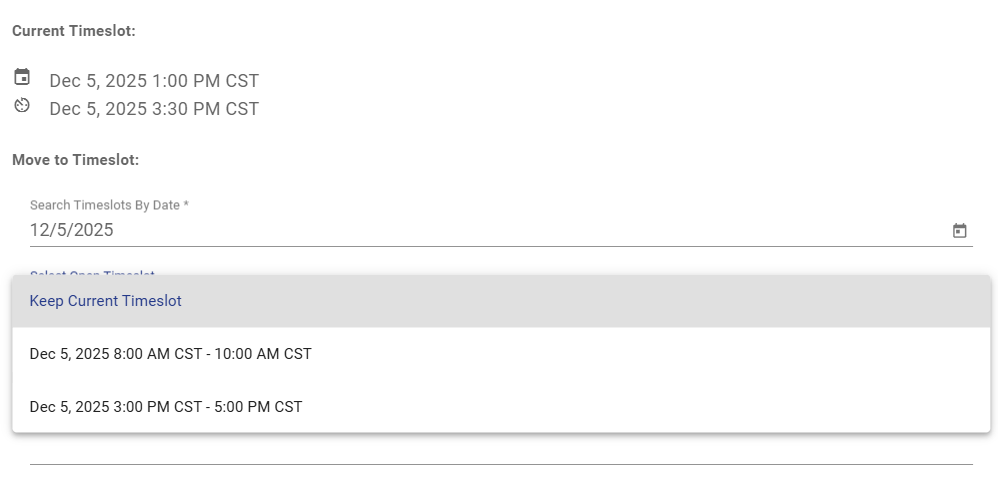
Timeslot Assignment Behavior
When a user chooses to claim a timeslot:
-
Whether assignments are added to the event, task, or both depends on the timeslot’s configuration.
-
Users only get assignment toggles when they are scheduling without using a timeslot.
This ensures consistent, predictable behavior based on how the timeslot was designed.
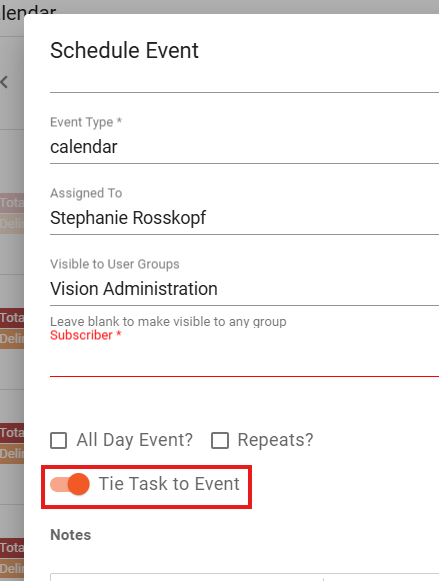
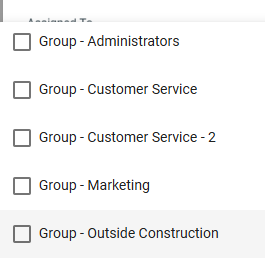
Support for Groups & Contractor Groups
Calendar events can now be assigned Groups and Contractor Groups, giving teams more flexibility in scheduling and dispatching.
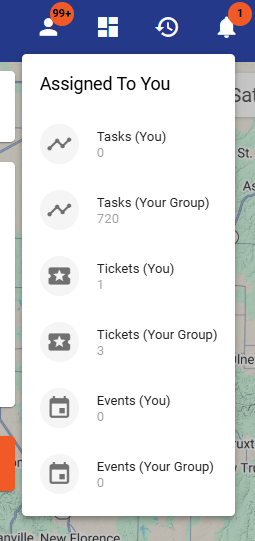
Your Events
- The top-right Assigned to You dropdown now includes event options. This makes it easier for users to view only the events they or their groups are responsible for.
Reporting Update
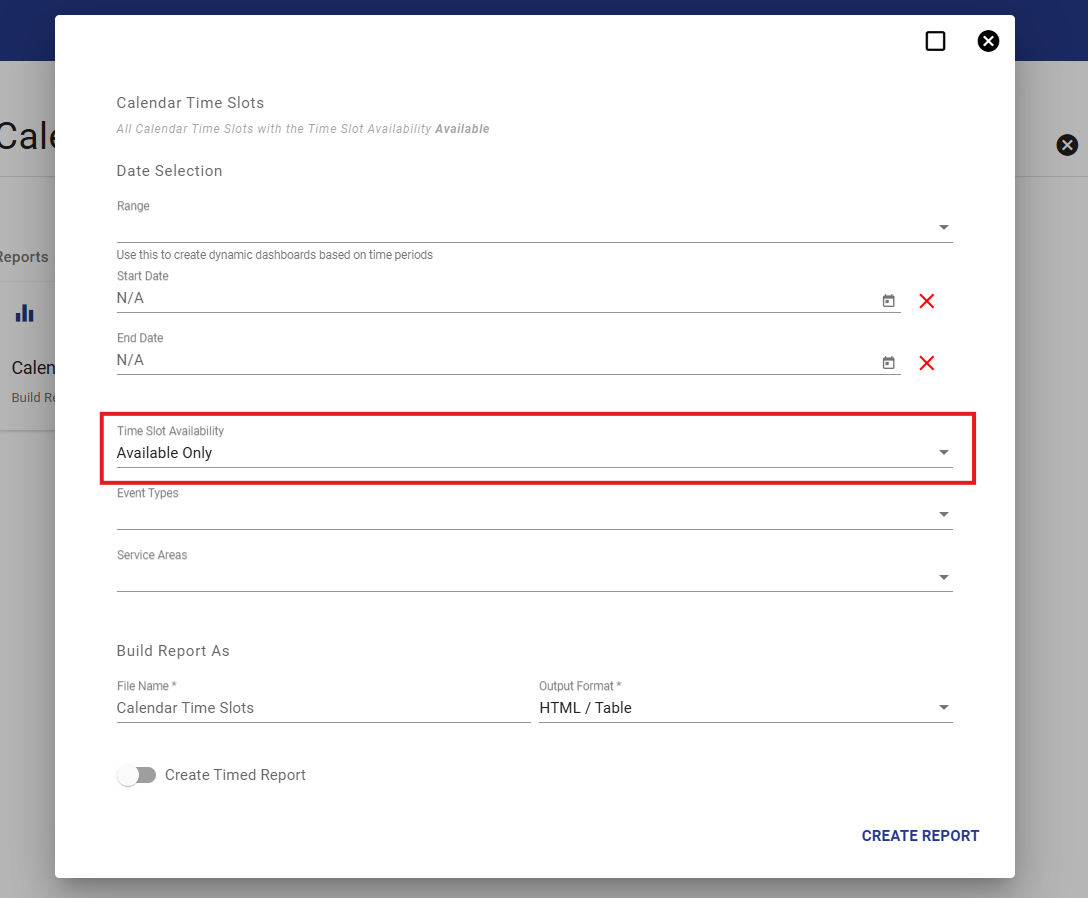
- In the Calendar Time Slots report, there is now an Availability column.
New Scheduling Permission
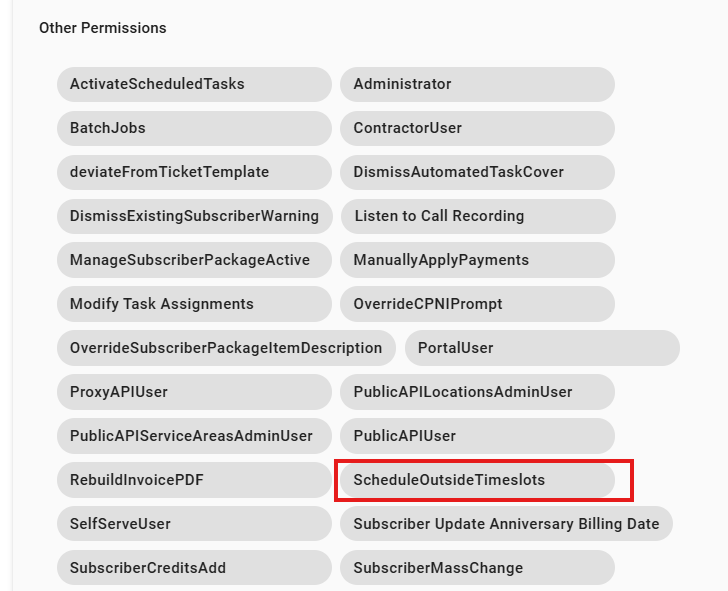
- There is now a ScheduleOutsideTimeslots permission to prevent scheduling outside designated timeslots for users without this permission.
Summary
This update delivers major improvements to how users manage assignments across the calendar, events, tasks, and timeslots. The goal is to streamline scheduling workflows, make assignment behaviors more consistent, and provide clearer visual feedback throughout the Calendar interface.
If you have questions or feedback about the new features, feel free to reach out to our support team.