PostGrid Integration
Summary
Vision’s integration with PostGrid automates physical mail delivery for invoices, marketing campaigns or other customer notifications. This generate and send professionally branded invoices and targeted postcards straight from Vision—without manual effort or third-party handoffs.
What This Integration Does
-
Automatically generates invoice PDFs in Vision and sends them to PostGrid, who then prints and mails to designated customers through USPS.
-
Sends targeted marketing postcards to leads or subscribers in your serviceable areas.
-
Supports personalized mailings with address-specific QR codes and URLs that direct users to pre-filled shopping carts.
-
Tracks QR code engagement to help you monitor campaign performance.
-
Allows for trigger-based mailing such as:
-
Abandoned cart retargeting with discount codes
-
Customer loyalty mailings
-
Post-cancellation follow-up
-
Network event communications
-
System Requirements
To successfully enable the Vision + PostGrid integration, you’ll need:
-
An active PostGrid account: Sign up here
-
A payment method on file in your PostGrid account (under the Payments section)
-
The following setup details provided to Vision Support:
-
Your PostGrid API Key (live version, format:
live_sk_zzxxxxx…) -
The invoice remit address you want to appear on invoices
-
A link to a contact you create in PostGrid, which will be used on the invoice cover sheet (should match your billing contact information)
-
Example:
https://dashboard.postgrid.com/dashboard/contacts/contact_Ckjsns982nfgkjnb987x
-
-
How It Works
Step 1: Create PostGrid Account
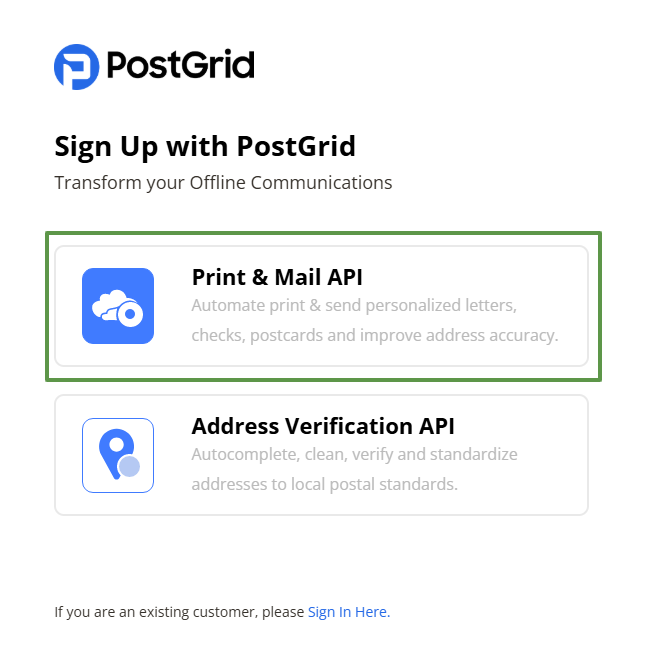
Begin by signing up for a PostGrid account and adding a payment method.
If you plan to send large volumes of invoices or postcards via PostGrid, it is recommended to speak to a PostGrid representative prior to sending your first mailing.
Step 2: Provide Setup Details to Vision
Instead of sharing full login credentials, simply provide:
-
Your PostGrid live API key
-
Remit address for invoices
-
Contact link from your PostGrid dashboard
Vision Support will use these details to configure the integration.
Step 3: Begin Sending Mailings
Once the setup is complete:
-
Invoices generated in Vision will be mailed automatically via USPS through PostGrid.
-
Marketing postcards are sent via marketing campaigns. Address-specific QR codes can be added for personalized experiences.
Mailing Configuration in Vision
Mailings can be sent from Vision via a batch process, a workflow task function or a marketing campaign.
Invoices
Invoices are sent from Vision via a batch process that occurs as part of your regular billing. No action is required from you once the initial setup is complete.
Workflow Mailings
To send a mailing via PostGrid as part of a workflow (for example, a postcard to an abandoned cart lead or a letter to a customer following cancellation) use one of the following task functions:
- Send Postcard
- Send Postcard and Complete Task
- Send PostGrid Letter
- Send PostGrid Letter and Complete Task
In the Function Arguments, select the corresponding template and desired preferences.
Marketing Campaigns
Postcards can be sent to leads or customers via a marketing campaign in Vision. View additional instructions here.
Contact Support
Need help with setup or experiencing an issue? Reach out to the Vision Support team. We’re here to help you streamline your communication—from invoice to inbox (or mailbox).