Contractor Groups
The Contractor Groups section within the Outside Plant houses all of your contractor groups. Vision Admin Users can create contractor groups for the Contractor Portal to organize contractor users by the type of work they handle, such as tasks or tickets. Contractor groups can also be named by location to help sort users by service area, region, or job site.
Navigate here to learn more about the Contractor Portal or send this documentation to your contractor users for support.
Our Support Team will work with you to get your Contractor Portal URL up and running. If you have any questions about getting started, please have your Vision Point-of-Contact reach out to us.
- Add a New Contractor Group
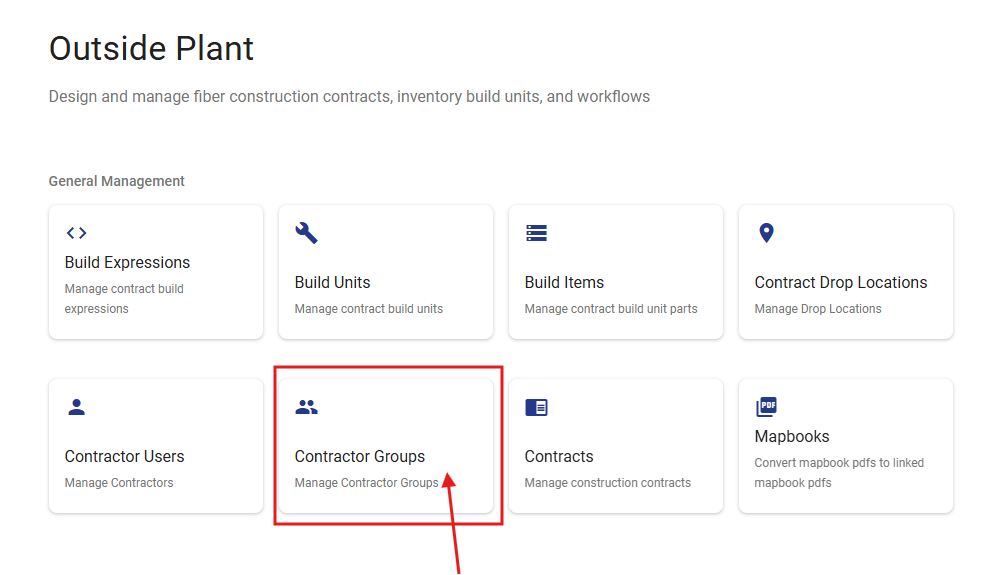
Add a New Contractor Group
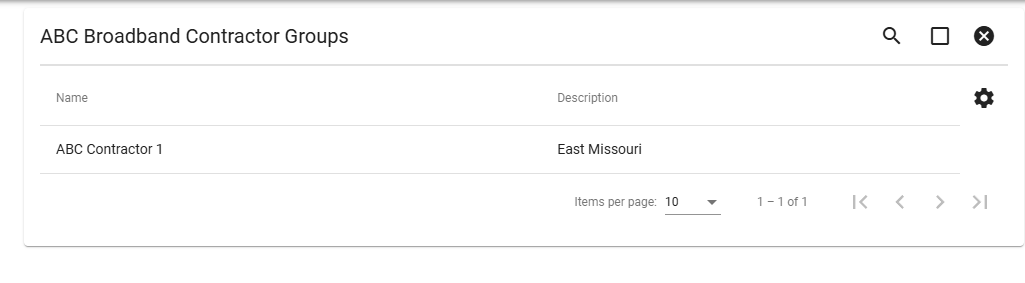
Once on the Contractor Group page, it will show all of your current contractor groups.
You can use the Floating Action Button to create a new group.
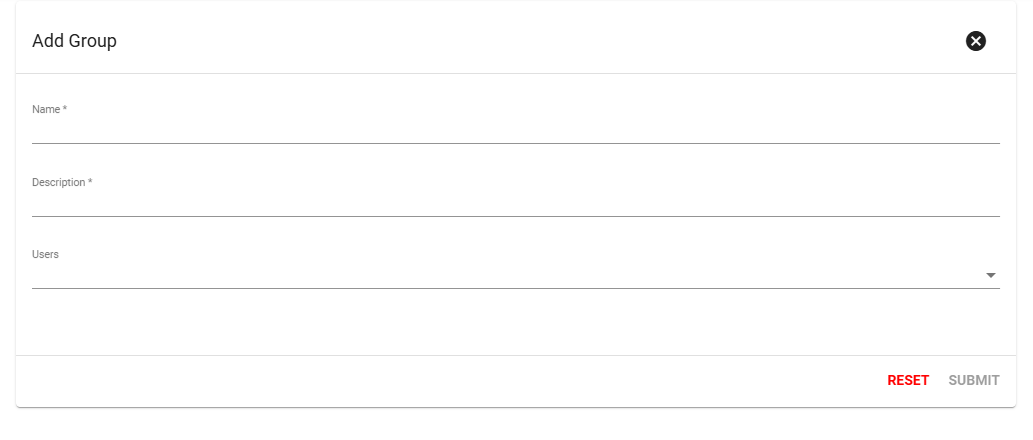
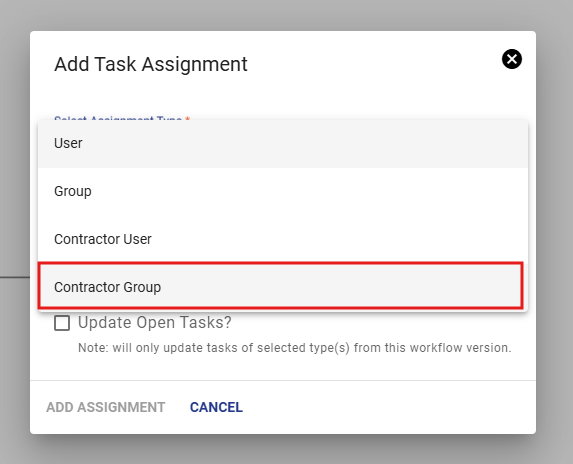
Once groups are made, you can assign tasks to every user in these groups via the task assignments in workflows.
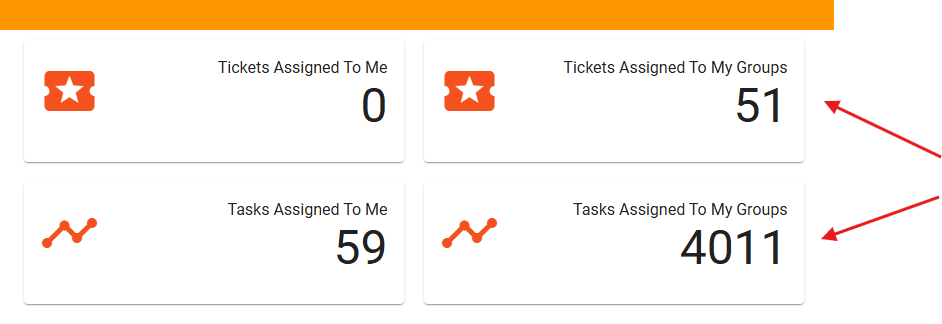
On the user's dashboard, they will be able to see their group tickets and tasks separate from their individual ones.