Timed Reports
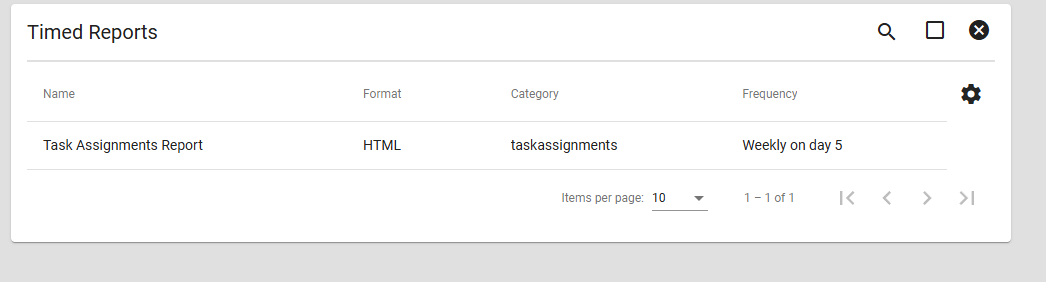
The timed reports page allows you to view and edit all of your timed reports. Timed reports are reports that you can set to automatically run after a certain amount of time. This is perfect if you want to automatically collect certain information daily or monthly.
Creating Timed Reports
To create a timed report, navigate to the original report you want to recur. Timed reports are created from the report’s original page, not from the Timed Reports page.
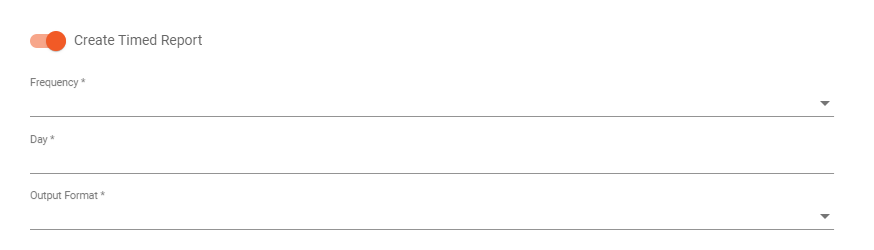
If the report supports timed reporting, a Timed Report toggle will appear on the report page. Enabling this option opens the timing settings, where you can configure details such as frequency, day, and output method.
The Timed Reports page is used to view and edit timed reports that have already been created.