Mobile App Calendar
The Calendar page in the Vision Mobile App allows users to view scheduled events while working from their mobile device. Field technicians can use this page to check upcoming appointments, review event details, and navigate between dates using the calendar controls or date picker.
Quick Links
Accessing the Calendar
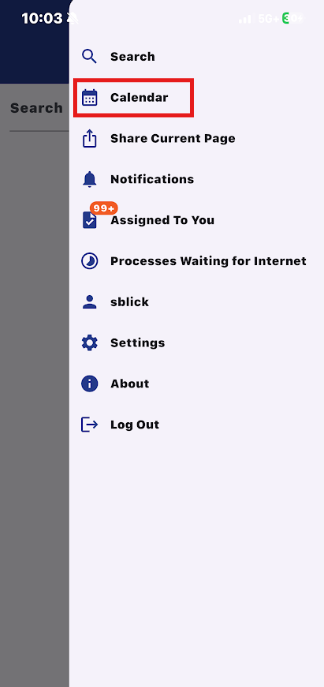
In the Vision mobile app, the calendar is accessible via the side menu.
Main Calendar Page
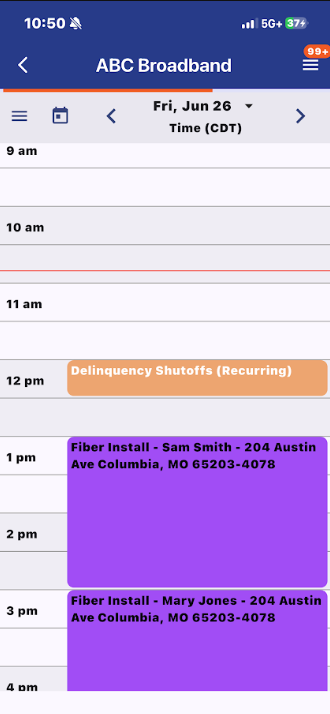
This is the main calendar page. By default, it will put you on the daily event view for the current day.
Calendar Sidebar
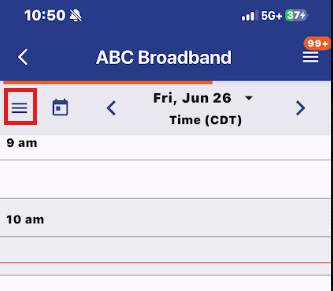
By clicking on the tab button, you can open the calendar side bar.
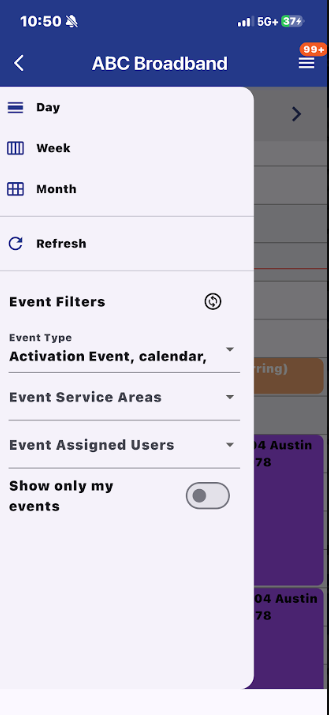
This section allows you to change the view of the calendar: day, week, month. You can refresh the calendar as well as filter the calendar events. You can filter by Event Type, Event Service Area, Event Assigned Users, or only enable your own events.
Calendar Icon
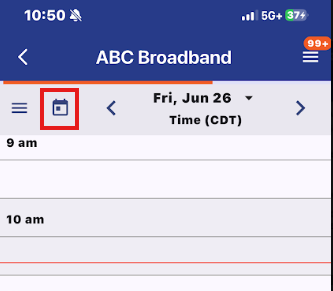
The calendar icon will reset the day view to the current day.
Date Picker
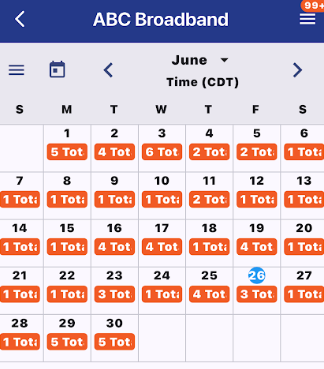
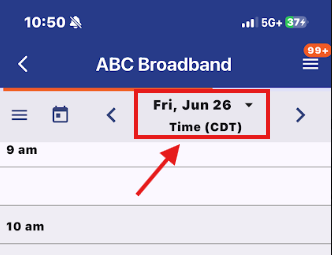
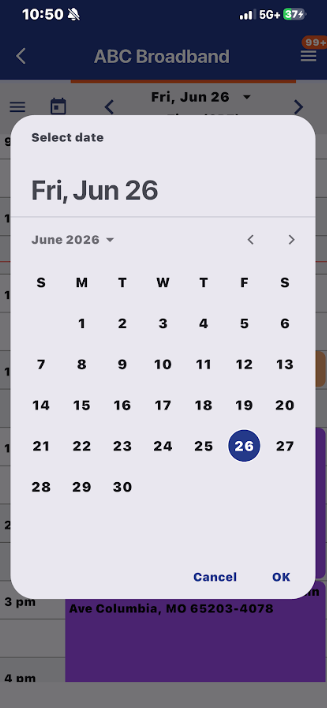
For easier date selection, you can click the date at the top to access the date picker.
Event Pages
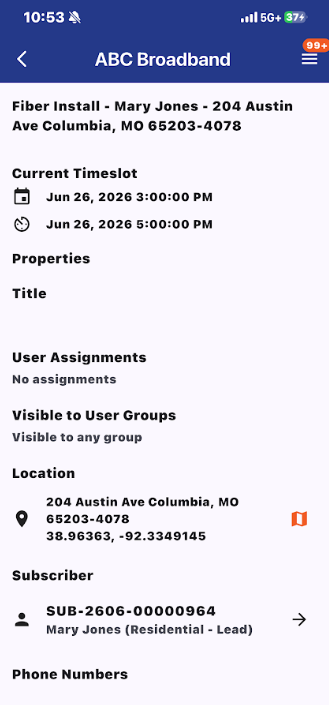
By clicking into an event on the calendar, you can access the event page.