Mobile App Event Page
To get to the page with an event's information, you can find it via the calendar, or from your assigned events.
Quick Links
Main Details
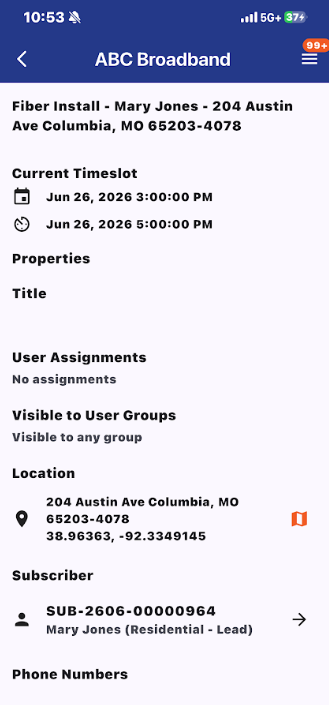
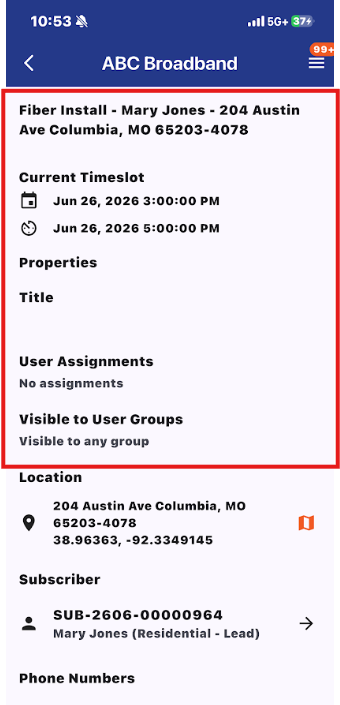
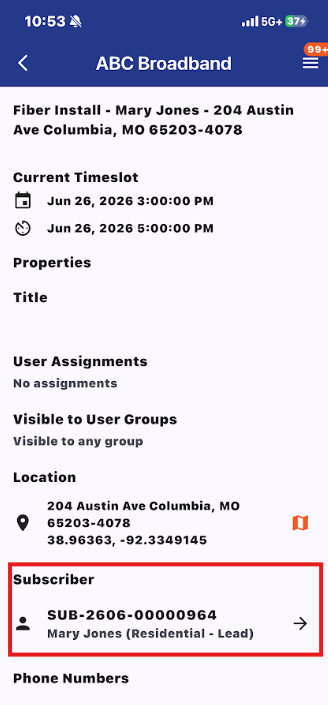
The event page has the type of the event, the subscriber name, and subscriber address at the top. Then it has the current timeslot for the event as well as any event properties, User assignments, and what user groups the event is visible to.
Address
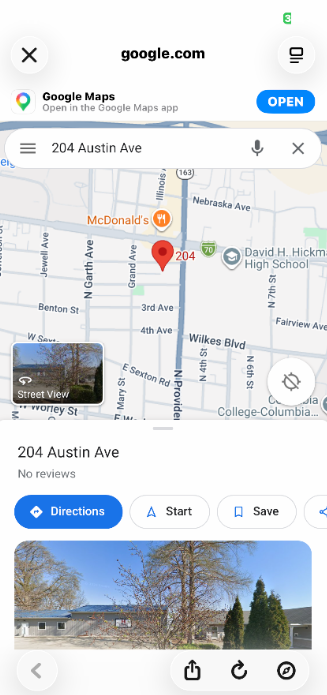
Then it has the address again with a link to view the address on the map.
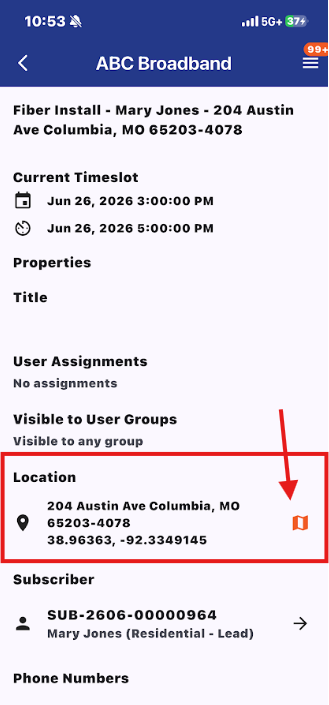
Unlike the Vision web page, the app doesn't have a built in map so the link will send you to a Google Maps page of the address.
Subscriber
Then the page has a link to the subscriber's page.
Phone Numbers
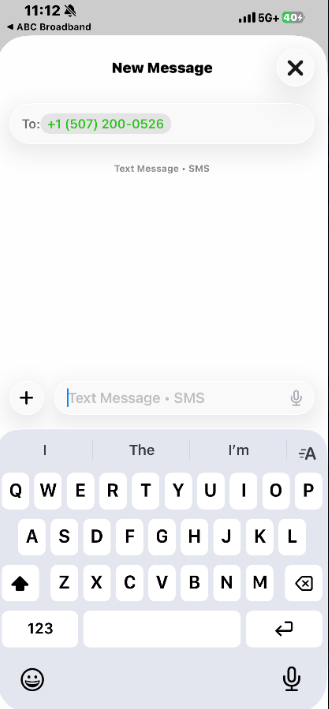
At the bottom of the event page, it has the subscriber's phone number with a quick text option that allows you to easily contact the subscriber.
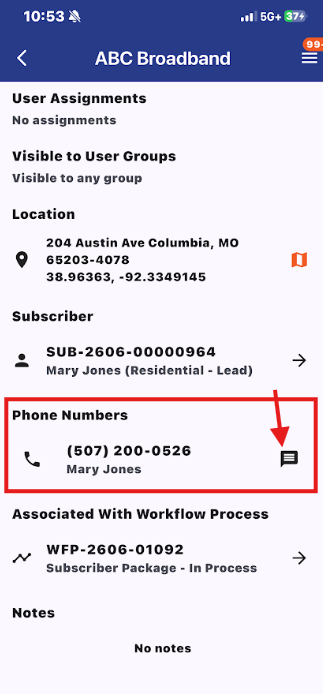
Associated Workflows
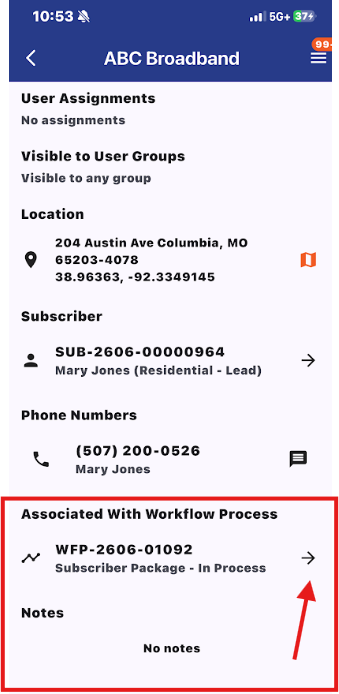
Finally it has a link to associated workflow processes that allow you to easily click into the workflow process. Any notes about the event will be listed at the very bottom.