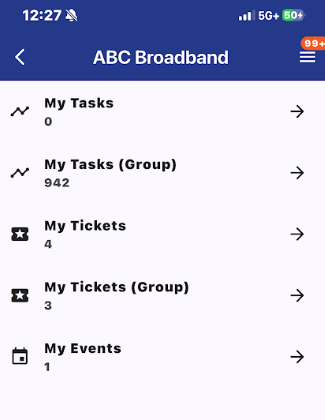
Assigned To You
On the main navigation menu, there is the "Assigned to You" tab. This is where you can access and open tasks, tickets, and events that are assigned to you and the groups you are in.
Quick Links
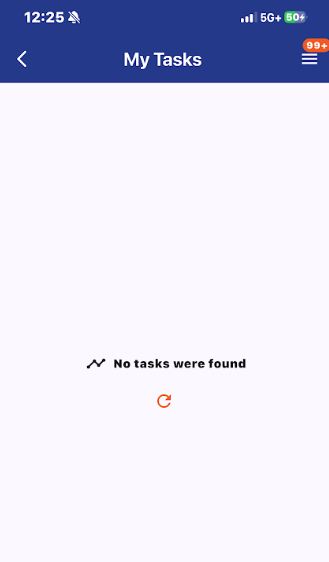
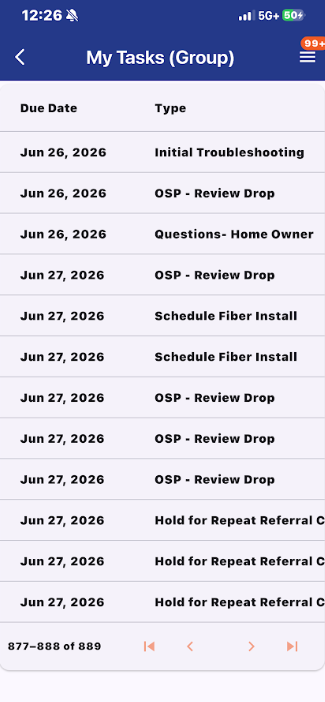
My Tasks/ My Tasks (Group)
The Assigned to You tab shows you tasks that are assigned to you personally as well as the group you are in. By clicking on any task, you are immediately taken to the given task its workflow page.
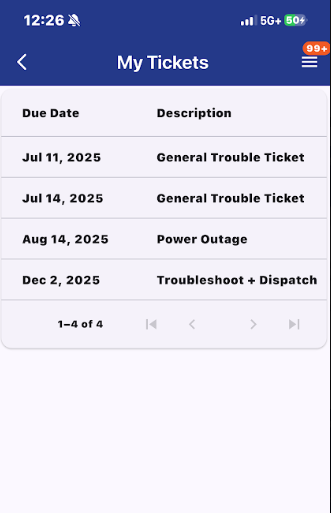
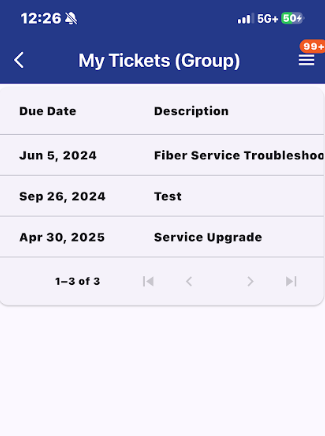
My Tickets/ My Tickets (Group)
On the main "Assigned to You" page, there are tabs to view and access tickets that are assigned specifically to you and also to the groups you are in. By clicking on any ticket, it will take you to its ticket page.
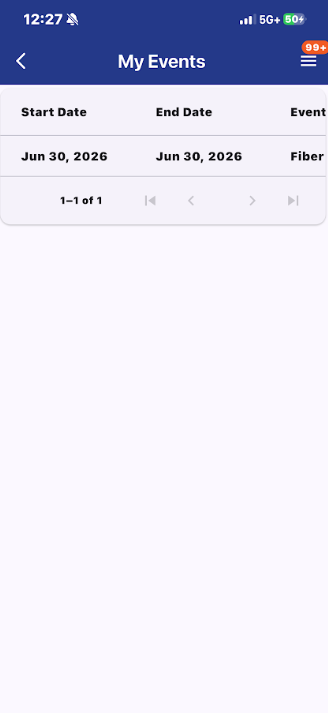
My Events
There is also a tab that shows you a list of all tasks assigned to your user. By clicking on an event, it will take you to its event page.